Git · GitHub · Collaboration & workflows
Master Git and GitHub for real collaboration
Learn to expertly navigate Git and GitHub so you can collaborate at every level, from solo projects to busy teams.
What you'll learn
- Repos, commits, branching, merges, rebases, and conflict resolution.
- Remote workflows: push, pull, fetch, tracking branches, tags.
- GitHub flow: forks, PRs, reviews, and team collaboration hygiene.
- Guardrails that matter in real jobs: ignores, hooks, and history cleanup basics.
- Strategies pros use daily: branching models, troubleshooting, bisect hints.
- CI-shaped thinking: integrating Git cleanly with deployments.
Course content
Getting Started
Dive into the basics of Git and GitHub. This section provides a solid foundation by explaining what Git and GitHub are and their difference, learn how to start pushing code to GitHub and importance of GitHub in the professional habitat
- Introduction to Git10:00 minutesFree
- Git vs. GitHub and AlternativesLocked. Enroll in the course to watch this lesson.7:00 minutes
- Installing GitLocked. Enroll in the course to watch this lesson.3:00 minutes
- Initial Git ConfigurationLocked. Enroll in the course to watch this lesson.6:00 minutes
- Creating Your First RepositoryLocked. Enroll in the course to watch this lesson.16:00 minutes
Git Fundamentals
Master the essential Git commands and concepts. Learn how to clone a remote repository, track changes, commit, and undo changes. Understand how to ignore files from Git and explore Git basics
- Basic Git CommandsLocked. Enroll in the course to watch this lesson.15:00 minutes
- Cloning a Remote RepositoryLocked. Enroll in the course to watch this lesson.4:00 minutes
- Tracking Changes in GitLocked. Enroll in the course to watch this lesson.8:00 minutes
- Ignoring files from GitLocked. Enroll in the course to watch this lesson.6:00 minutes
Branching
Learn how to manage branches effectively. Understand branching workflows, merging, and rebasing. Explore how to manage remote branches and master rebasing
- Introduction to BranchingLocked. Enroll in the course to watch this lesson.11:00 minutes
- Merging and Managing BranchesLocked. Enroll in the course to watch this lesson.9:00 minutes
- Effective Branch ManagementLocked. Enroll in the course to watch this lesson.5:00 minutes
- Exploring Branching WorkflowsLocked. Enroll in the course to watch this lesson.4:00 minutes
- Managing Remote BranchesLocked. Enroll in the course to watch this lesson.4:00 minutes
- Mastering RebasingLocked. Enroll in the course to watch this lesson.6:00 minutes
Contributing to Large Codebases
Learn how to contribute to large codebases effectively. Understand how to create a pull request, add reviewers and descriptions, deal with merge conflicts, and create an issue. Explore code review best practices
- Creating a Pull RequestLocked. Enroll in the course to watch this lesson.16:00 minutes
- Dealing with Merge ConflictsLocked. Enroll in the course to watch this lesson.9:00 minutes
- Creating an IssueLocked. Enroll in the course to watch this lesson.4:00 minutes
- Code reviewLocked. Enroll in the course to watch this lesson.4:00 minutes
Git in Visual Studio Code
Master Git operations in Visual Studio Code. Learn how to perform essential Git operations, resolve conflicts, analyze changes, and explore alternatives
- Essential Git Operations in VS CodeLocked. Enroll in the course to watch this lesson.7:00 minutes
- Analyzing Changes with Git DiffLocked. Enroll in the course to watch this lesson.3:00 minutes
Best Practices
Learn best practices for Git and GitHub. Understand how to name branches effectively, commit like a pro, and use the feature branch strategy
- Naming Branches EffectivelyLocked. Enroll in the course to watch this lesson.5:00 minutes
- Committing Like a ProLocked. Enroll in the course to watch this lesson.5:00 minutes
- The Feature Branch StrategyLocked. Enroll in the course to watch this lesson.3:00 minutes
Free lesson preview
Watch a full lesson on the house: the same teaching style and depth you get in the full Git course.
Master version control with this comprehensive Git course, from core commands through branching, collaborative GitHub workflows, and patterns that survive on real teams.
Meet your instructor
Former Expo engineer, full-time instructor. I teach the same workflows I use to ship real apps.
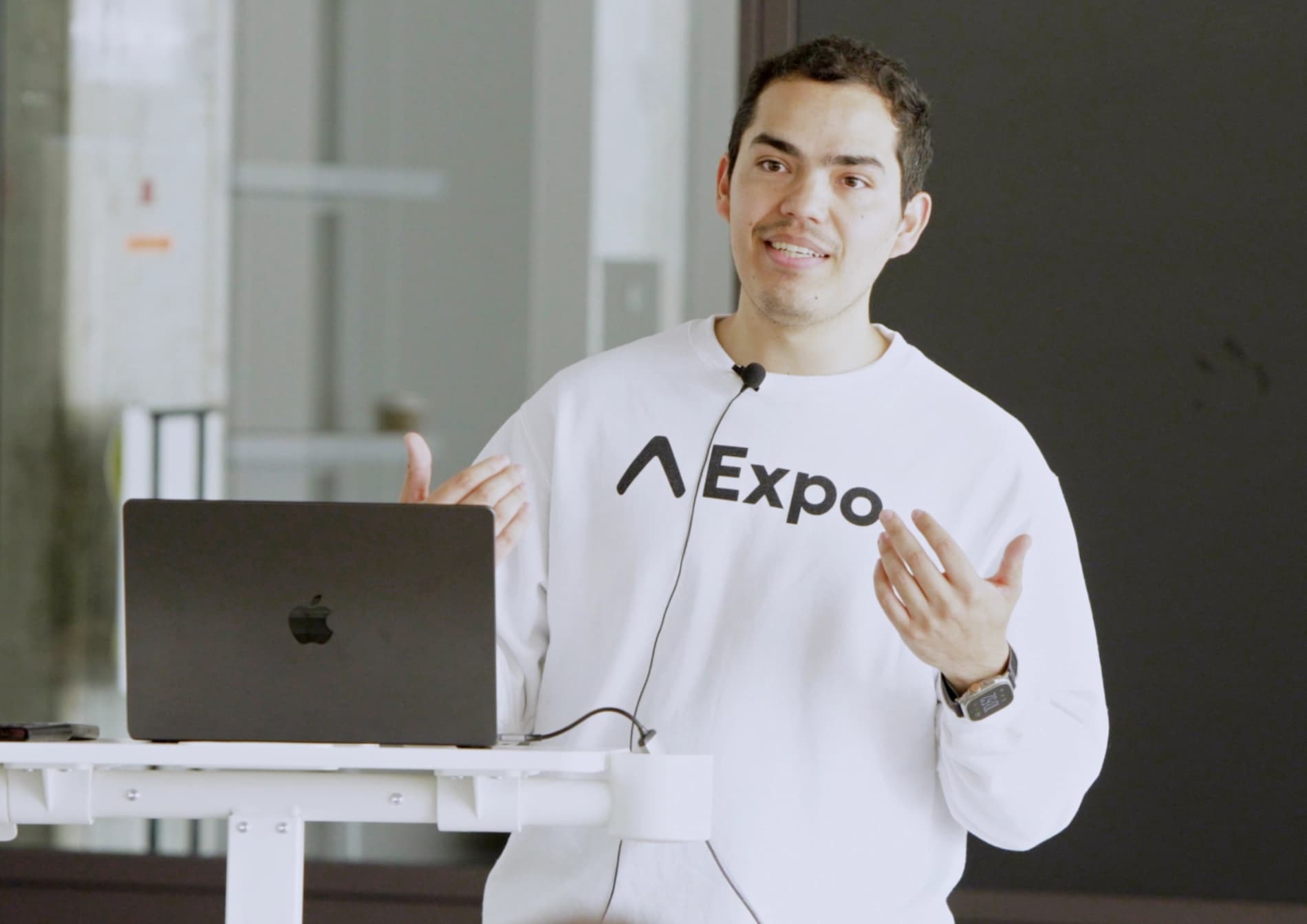
Hey! I'm Beto Moedano, former Developer Success Engineer at Expo and founder of Code with Beto. I build and ship apps, then teach what I learn along the way.
I created this platform because I know what it's like to piece together mobile development from scattered docs and outdated tutorials. Every codebase here comes from a project I've actually shipped, not theory.
So far, more than 30,000 people, from seasoned developers to first-time builders using AI tools, have learned through my courses, tutorials, and templates.
Code with Beto MCP
Connect once in Cursor, Claude, VS Code, or Windsurf. Ask in plain language, and we give your assistant the real lessons, blog posts, and Pro template code.
Open the real course lesson
Ask for Expo Router, haptics, or payments. Your assistant lists and opens the actual React Native, React, or Git lesson instead of guessing from old training data.
Search Code with Beto from chat
Need a form sheet, a blog post, or a video? Search the site inside Cursor or Claude and get the answer back in the same thread. No extra tabs.
Copy from Platano and Inkigo
Point at a screen you like. The MCP can pull real source files from the Pro templates so you start from shipped code, not generic AI UI.
Lifetime access to Code with Beto
Basic and Pro include all current and future courses, including Build & Ship with AI for existing lifetime members. Pro adds premium projects and resources. Pay once, learn at your pace.
Basic Lifetime Access
$499
One-time payment for all current and future courses, including Build & Ship with AI.
- Lifetime access - one-time payment
- All current and future courses, including Build & Ship with AI
- Lifetime updates to included courses
Pro Lifetime Access
$699
One-time payment for unlimited lifetime access to our entire library of current and future premium content.
- Lifetime access - one-time payment
- All current and future courses, including Build & Ship with AI
- Lifetime updates to included courses
- Platano: Expo template for AI image apps
- Full access to the Code with Beto GitHub organization
- MCP for Claude, Codex, Cursor: Best practices, clean architecture patters, lessons, blogs and more
- Access to real-world examples and codebases
- Exclusive access to personal projects and experiments
- Priority support via a private Discord channel
- Access to all current and future Figma design files
7-day money-back guarantee on eligible Basic or Pro solo purchases at the full list price only. Not available if any coupon, promo code, PPP, student offer, team pricing, or other discount was applied. Full policy. Eligibility details are also in the FAQs.

Frequently asked questions
Purchases, refunds, prerequisites, course access, and what is included with your enrollment.
Still have questions? Contact us